A-Frame Pavement Sign Printing
Make your message impossible to miss. Your design prints on both sides of a free-standing A-frame sign, so people see it coming and going. It's built to live outside. Galvanised steel back, anti-glare snap frame, and enough weight to keep the board upright when the weather turns. Pavement signs take a beating, so this one is made to stand up to it.
Works outside a shop, café or restaurant, at exhibitions and events, or anywhere you need to point people towards an offer, a direction or a product. When the message changes, print a new sheet and clip it into the snap frame. The board stays. A1 or A2, portrait. Order one A-board or enough for every branch, and check your price on the calculator.
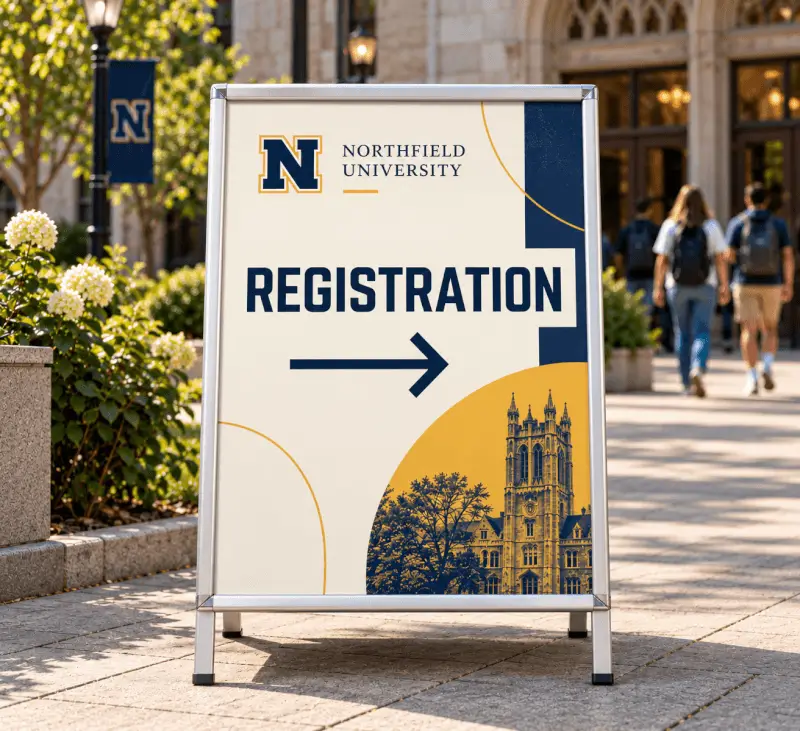
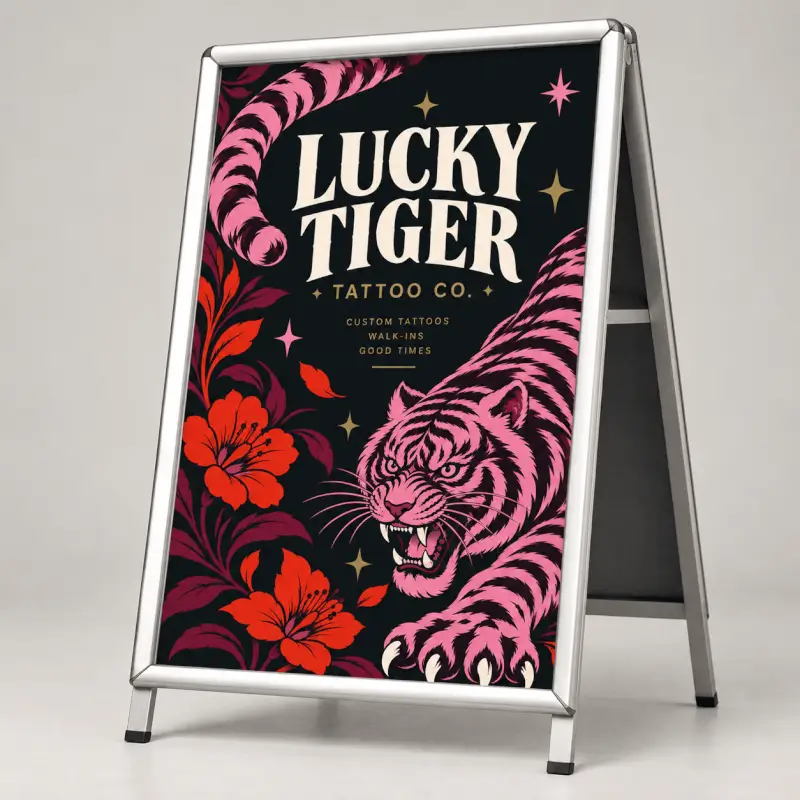
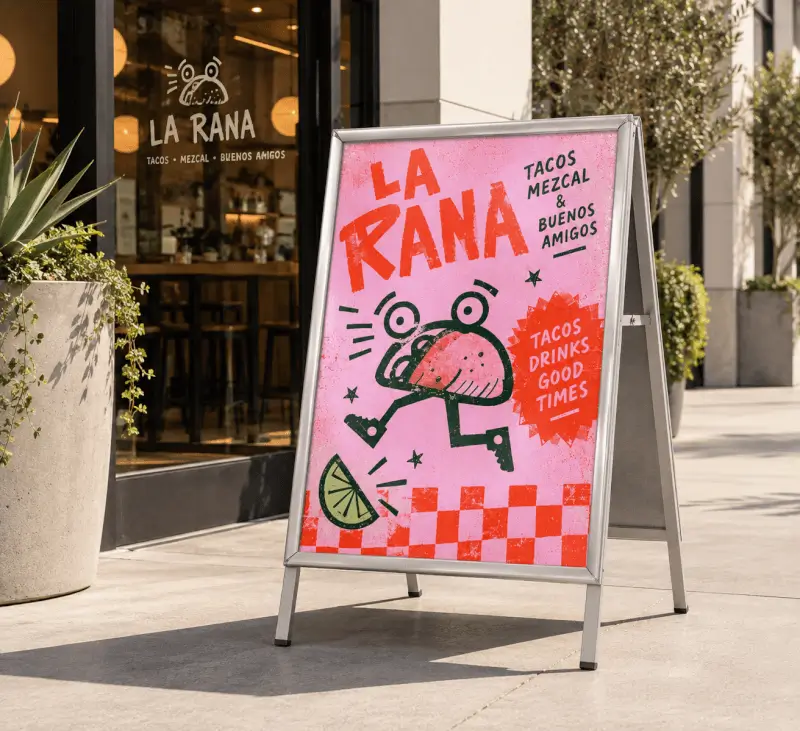
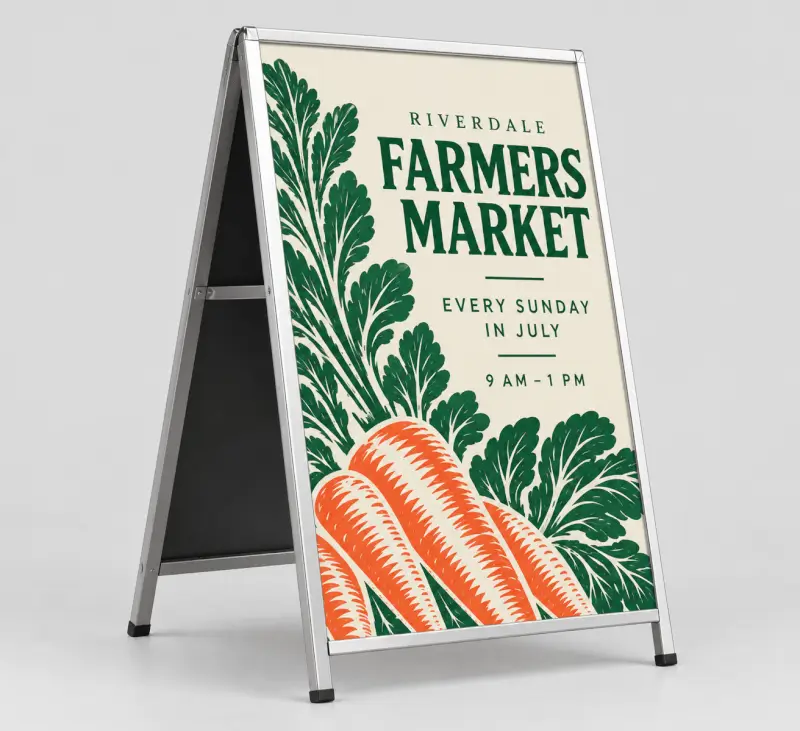
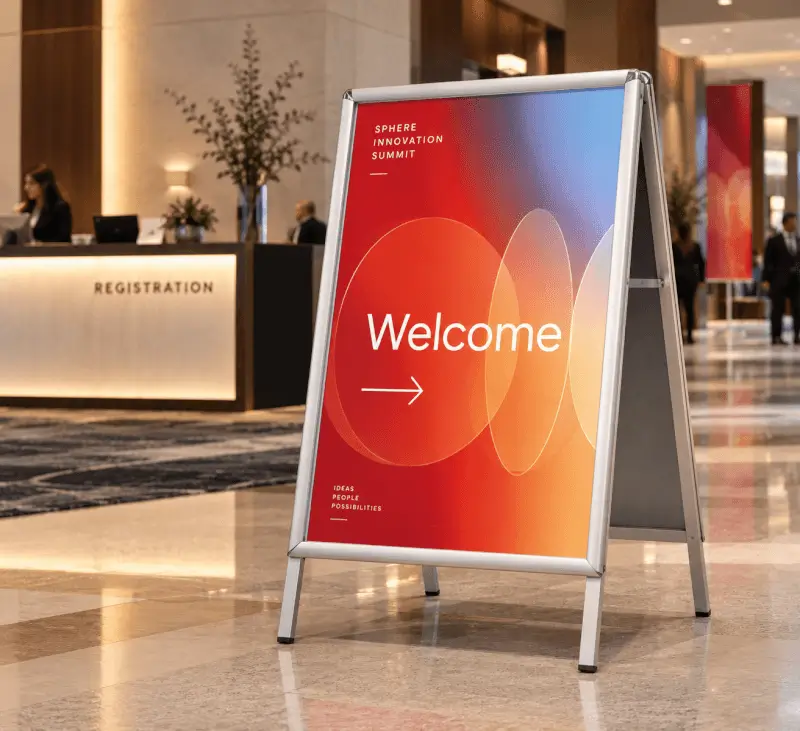
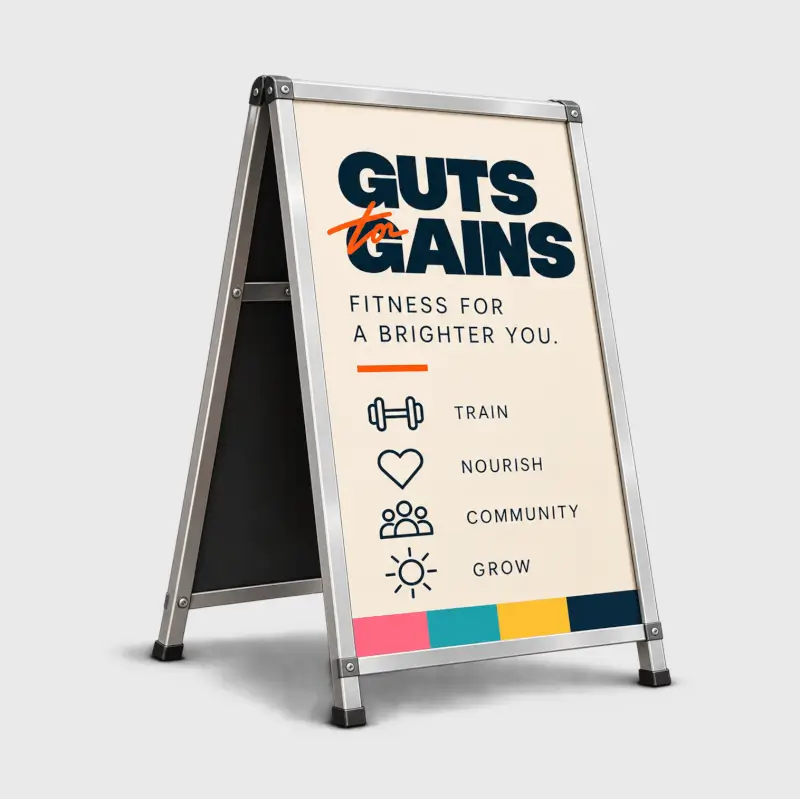
A steel A-Frame housing containing 2 identical posters. Posters are inserted via a front-loading snap frame with a protective anti-glare plastic sheet.
- Sizes: A1 (594mm x 841mm), A2 (420mm x 594mm) - Portrait only
- Includes: one frame and two posters, one for each face
- Print technology: Digital Printing
- Poster Substrate: 410gsm plus PVC cover
- Frame Dimensions: A1 - 1090mm high, 690mm wide. A2 - 880mm high, 460mm wide.
- Frame material: Galvanised steel. Sturdy, durable and suitable for indoor or outdoor use.
- Frame weight: A1 - 6.9kg, A2 - 3.8kg
- Colour: full colour, printed on one side of each poster
- Design: the same design is printed on both posters
- Files required: 1 - your design will be printed on two identical posters
- Minimum font size: 18pt
- Minimum text and line size: 2pt
- Bleed: +3mm all sides
- Safe Zone: Please allow borders in your artwork of at least 10mm, ideally 25mm as these areas will be obscured by the frame clips - any text or design in this area is at risk of not being seen once inserted into the frame!
- Artwork recommendations: CMYK PDF, ideally PDF/X-1a, supplied at 1:1 scale and at least 150dpi.
- Quantity: 1 to 10 frames
A steel A-Frame sign designed to house 2 posters (not included).
- Sizes: A1 (594mm x 841mm), A2 (420mm x 594mm) - Portrait only
- Includes: one frame
- Frame Dimensions: A1 - 1090mm high, 690mm wide. A2 - 880mm high, 460mm wide.
- Frame material: Galvanised steel. Sturdy, durable and suitable for indoor or outdoor use.
- Frame weight: A1 - 6.9kg, A2 - 3.8kg
- Quantity: 1 to 10 frames
Identical posters ordered in multiples of 2, designed to be housed in an A-Frame sign.
- Sizes: A1 (594mm x 841mm), A2 (420mm x 594mm) - Portrait only
- Includes: 2 identical posters, one for each face of an A-Frame sign
- Print technology: Digital Printing
- Poster Substrate: 410gsm (which will be weather protected under the PVC cover of the A-Frame)
- Colour: full colour, printed on one side of each poster
- Design: the same design is printed on both posters
- Files required: 1 - your design will be printed on two identical posters
- Minimum font size: 18pt
- Minimum text and line size: 2pt
- Bleed: +3mm all sides
- Safe Zone: Please allow borders in your artwork of at least 10mm, ideally 25mm as these areas will be obscured by the frame clips - any text or design in this area is at risk of not being seen once inserted into the frame!
- Artwork recommendations: CMYK PDF, ideally PDF/X-1a, supplied at 1:1 scale and at least 150dpi.
- Quantity: 2 to 20 (multiples of 2)
You can create artwork by hand, scan it or photograph it and upload images to your desktop. You can also use graphic design programs like Adobe Photoshop, InDesign, Illustrator, Canva, or Affinity Publisher. To ensure print-ready files before upload, download Our Instant Quote Calculator's downloadable PDF templates to lay out your designs. Alternatively, click the Design Online Tool to create artwork in your order (visit our Support Page for more information).
Bleed is an extension of artwork or colour(s) to minimise unprinted edges appearing when we cut your prints to size. You don’t need to include bleed if no artwork or colour(s) meet the page edges. Visit our Bleed Support Page or contact our team for help.
Start a pending order by adding a quote to your Cart and clicking Continue. Please label your files clearly before uploading with names like Page_1, Page_2, etc., so our system can place your files chronologically. Drag and drop files from your desktop or upload them from your computer, online file-sharing accounts like Dropbox, or a web URL. You can upload single and multi-page files to orders. Visit our Print File Setup Guide for more information.
You can upload many file types, and we’ll convert them into high-quality PDFs. You can submit them as single, double, or individual files. Ensure your files are in CMYK colour mode before uploading. Visit our Colour Guide for Printing and File Formats Support Page to view the complete list of accepted file types.
A multi-piece shipment refers to a single order containing multiple items. Once you add your first quote to your Shopping Cart, you can repeat the process for the same item or add a quote for another item via the categories at the top of the website. You can then upload your files to each item in one order.
Once you’ve uploaded files in your order’s Artwork tab, you can preview them via Thumbnails, an Online Preview and Downloadable Proof. Mixam’s automatic file checker will scan your files, but please also check all files manually, especially your Downloadable Proof, to review and fix issues before we send your order to production. Visit our Proofing Support Page for more information, and contact our print experts by chat, email or phone for assistance.
The cut-off time for confirmed orders is 4 pm GMT every workday. It would help to confirm your order before these times to secure your estimated dispatch date. Unconfirmed orders may mean you receive a new estimated dispatch date. Visit our Shipping and Delivery Support Page for more information.
We aim to get your order to you by or on the estimated date you choose on our Instant Quote Calculator. While all delivery dates are not guaranteed, we’ll inform you at the earliest opportunity if a delay occurs. Visit our Shipping and Delivery Support Page for more information, and contact our team in advance if you have a deadline, and we’ll try to accommodate.
Loading

How To Upload Your Files
- To ensure high-quality print files, we'll convert your files to PDFs, no matter which file type you upload. We accept single pages, double pages or individual files. Visit our File Formats Support Page to learn how to submit your files.
Bleed
- Bleed is the area surrounding your print’s trim size, extending an image or colour beyond the finished trim size. Add a 3mm bleed to every print file before uploading them to your Artwork Dashboard. Avoid placing any important content within the bleed area. You don't need to include bleed if your pages are blank (i.e. no images/graphics meeting the edge of your page). Visit our Bleed Setup Support Page to learn more about bleed, trim lines and gutter areas.
| Size |
A-Frames With Posters
|
A-Frame Only
|
Replacement Posters
|
|---|---|---|---|
| A1 (594 mm x 841 mm) | |||
| A2 (420 mm x 594 mm) |
| Paper Type |
A-Frames With Posters
|
A-Frame Only
|
Replacement Posters
|
|---|---|---|---|
| PVC | |||
| None |


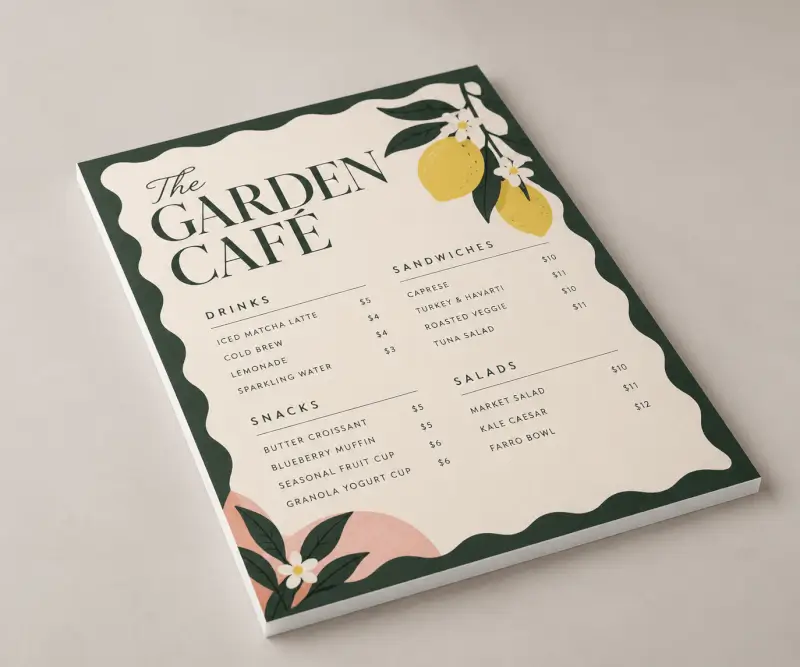






Seeing (and feeling) is believing
Start your print journey with our sample packs.
Order a Free Sample Pack