Roll Label Printing
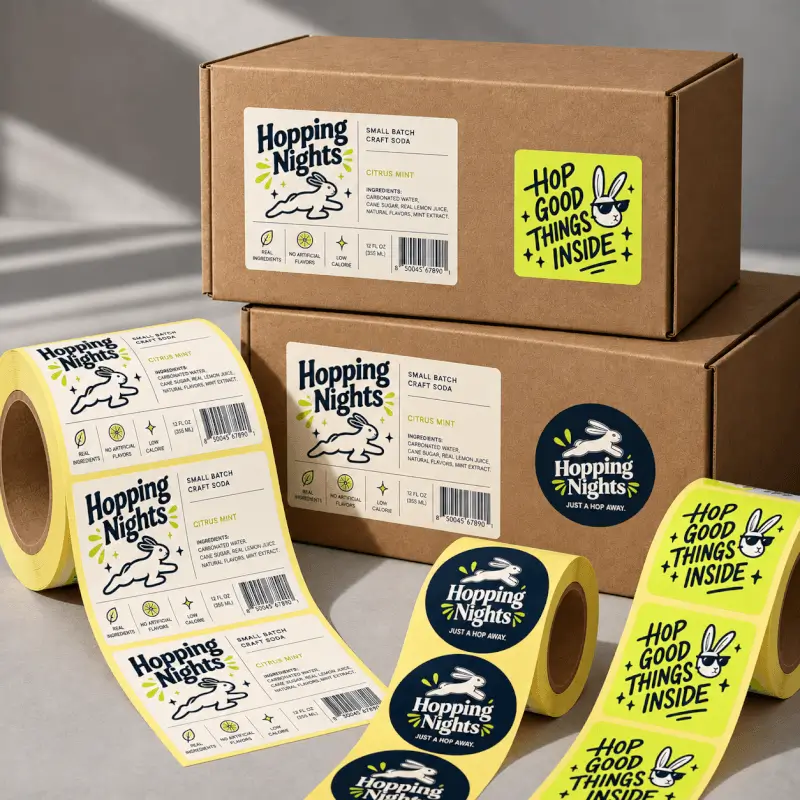
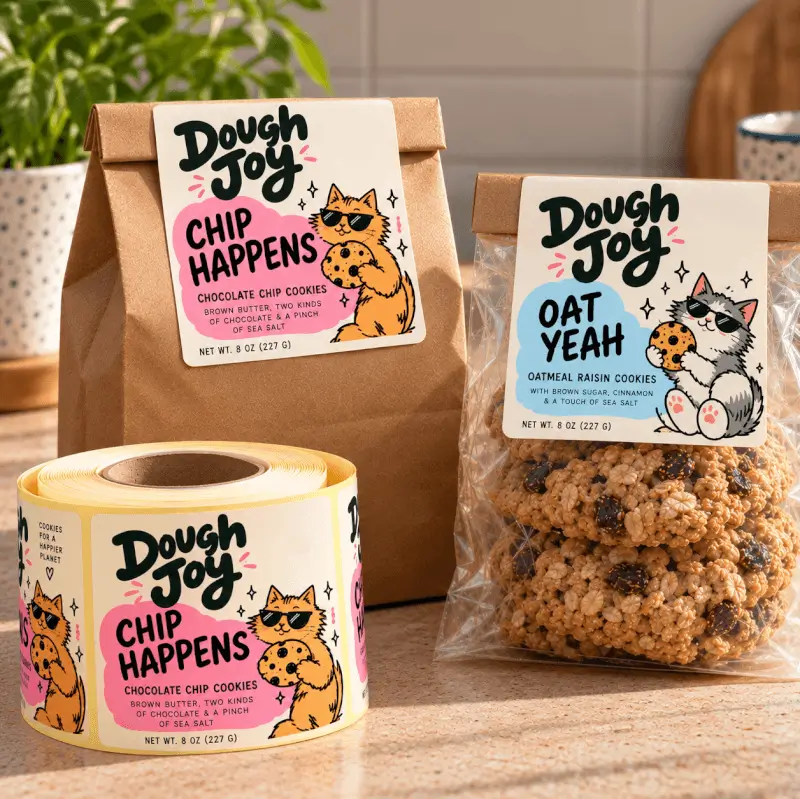
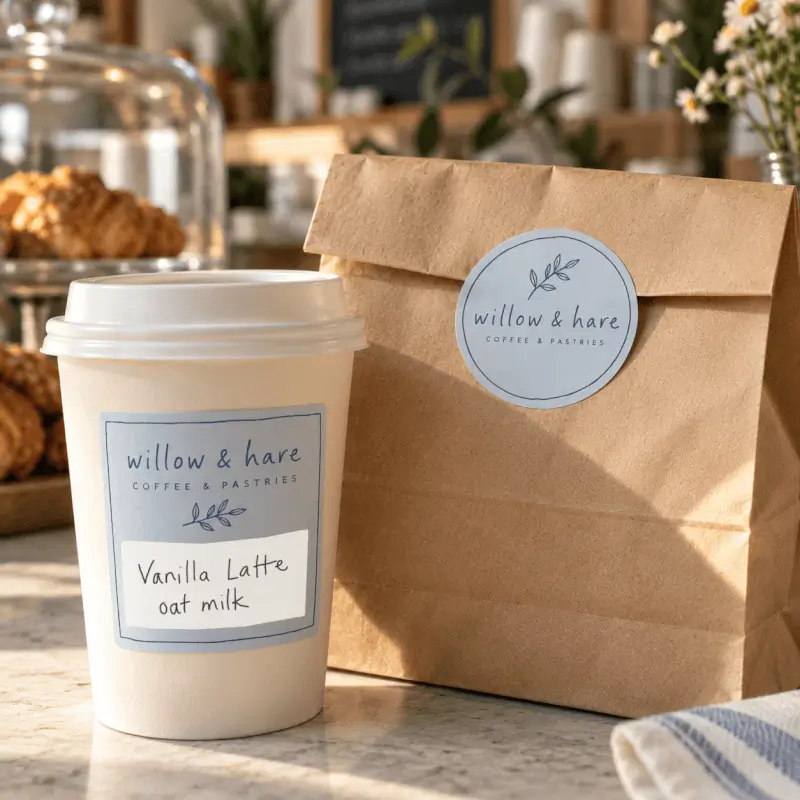
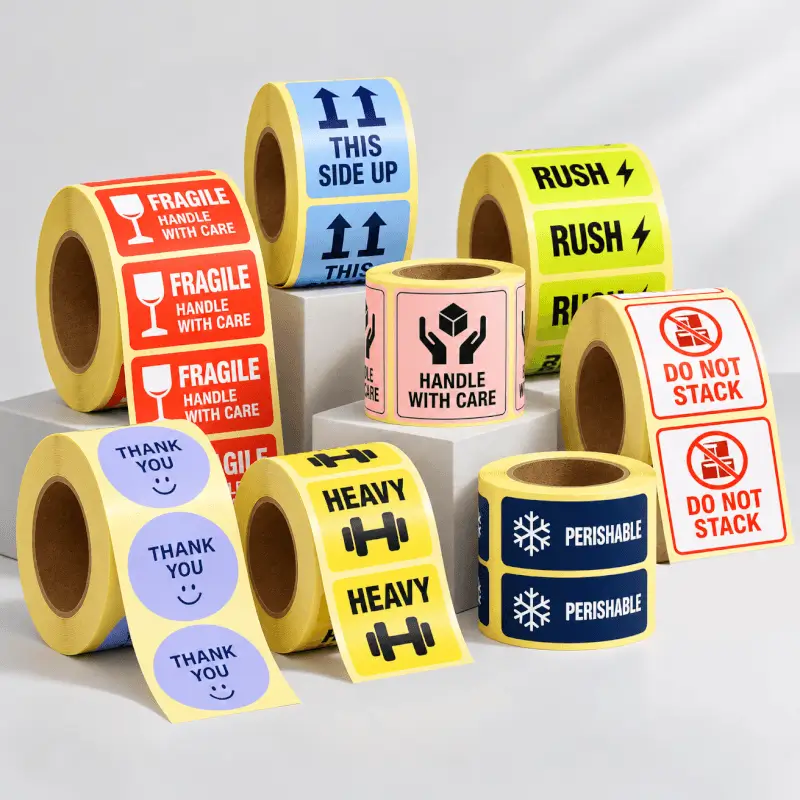
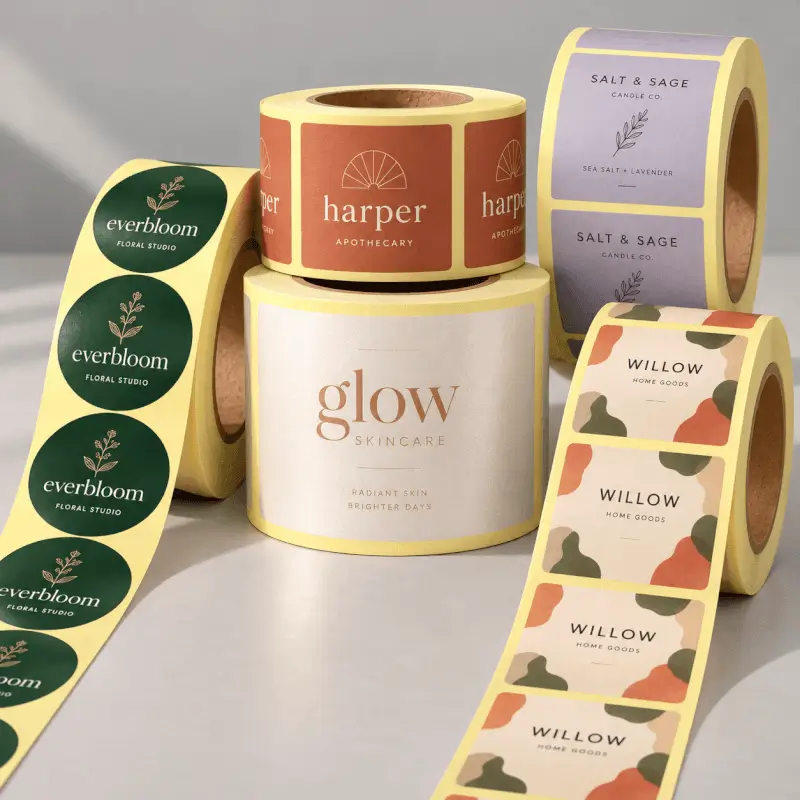
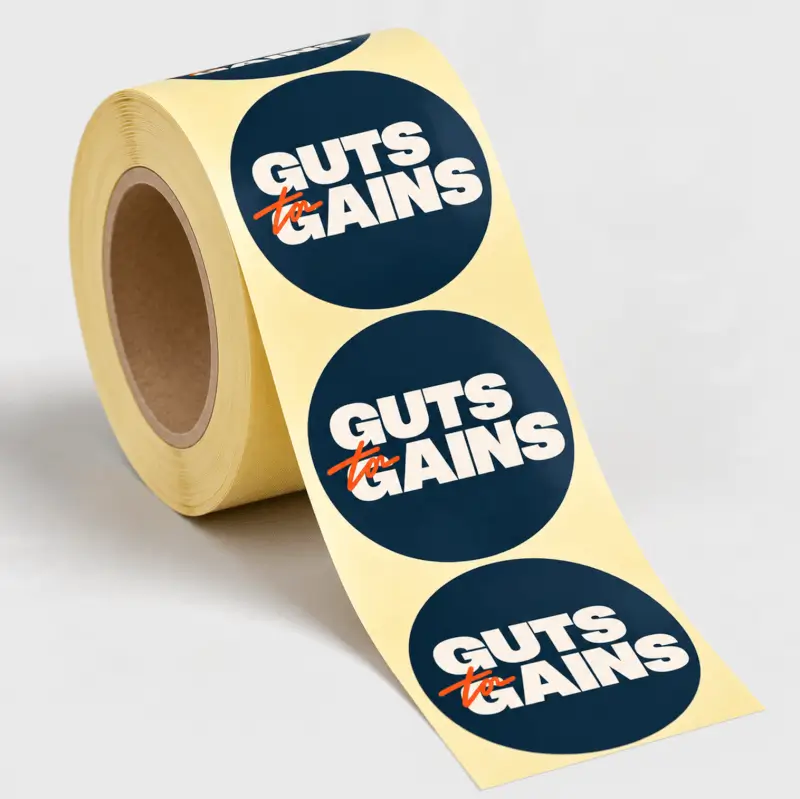
Custom roll labels give your products and packaging a professional, branded finish. Perfect as bottle labels, product labels and packaging labels or for events, they’re available in seven materials, including waterproof and clear vinyl. Depending on the material, add lamination or gold and silver foil for an extra finishing touch. Your labels on a roll are easy to apply by hand or with compatible labelling machines. Prefer custom labels on a sheet? Explore our sticker sheets.
- Core size: 76mm, suitable for many common label machines
- Roll off direction:
- Label shapes: Circle, oval, square, rectangle, square with rounded corners, rectangle with rounded corners
- Sizes: 10-300mm x 10-82mm
- Bleed: 3mm all sides
- Minimum font size: 10pt
- Minimum line weight: 1pt
- Artwork Recommendations: Please be aware there is a 2mm margin of error on all circular labels. There is a chance your design may shift slightly during printing so we do not recommend the use of boarders for circle designs.
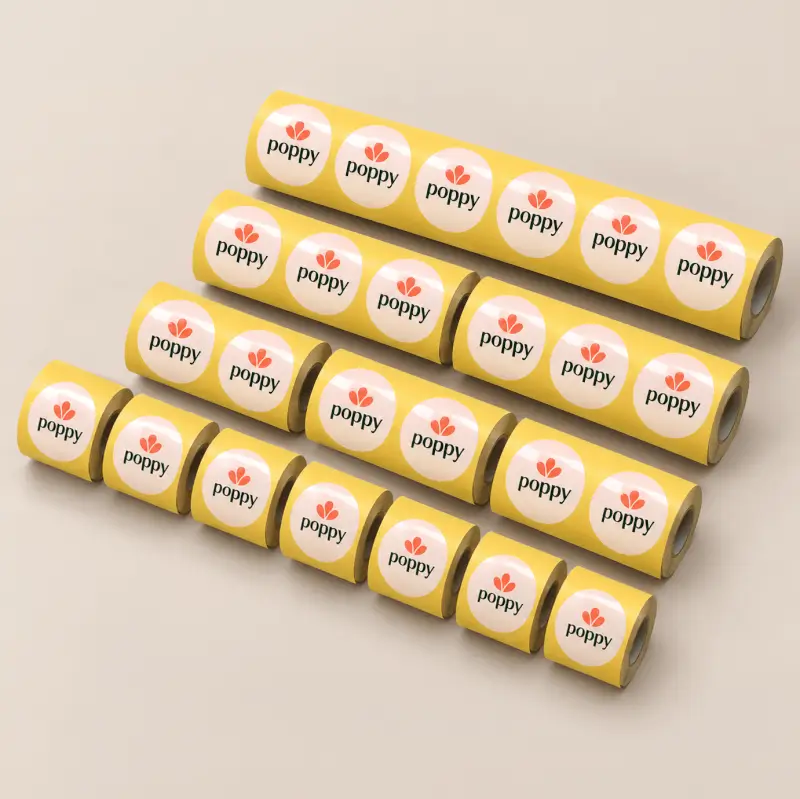
- Roll Widths: 33mm, 16.5mm, 11mm, 5.5mm
Quantity: Your total quantity will be divided across rolls depending on the width you choose. For example:
600 labels
33mm wide roll = 1 roll of 600 labels
16.5mm wide roll = 2 rolls of 300 labels
11mm wide roll = 3 rolls of 200 labels
5.5mm wide roll = 6 rolls of 100 labels
Non-account holders can place orders, but we recommend creating a free Mixam account and signing in. Select an item from the categories at the top of the website, and choose your print specifications, free quote and estimated dispatch date via the Instant Quote Calculator. Click Add to Cart, then Continue, and upload your files to your Artwork tab. Visit our How To Print With Mixam Support Page for more information.
Bleed is an extension of artwork or colour(s) to minimise unprinted edges appearing when we cut your prints to size. Most items require a 3mm bleed, including Flat items and the inner pages and covers on Bound and Paperback items. You don’t need to include bleed if no artwork or colour(s) meet the page edges. Visit our Bleed Support Page or contact our team for help.
You can upload many file types, and we’ll convert them into high-quality PDFs. You can submit them as single, double, or individual files. Ensure your files are in CMYK colour mode before uploading. Visit our Colour Guide for Printing and File Formats Support Page to view the complete list of accepted file types.
A multi-piece shipment refers to a single order containing multiple items. Once you add your first quote to your Shopping Cart, you can repeat the process for the same item or add a quote for another item via the categories at the top of the website. You can then upload your files to each item in one order.
Once you’ve uploaded files in your order’s Artwork tab, you can preview them via Thumbnails, an Online Preview and Downloadable Proof. Mixam’s automatic file checker will scan your files, but please also check all files manually, especially your Downloadable Proof, to review and fix issues before we send your order to production. Visit our Proofing Support Page for more information, and contact our print experts by chat, email or phone for assistance.
The cut-off time for confirmed orders is 4 pm GMT every workday. It would help to confirm your order before these times to secure your estimated dispatch date. Unconfirmed orders may mean you receive a new estimated dispatch date. Visit our Shipping and Delivery Support Page for more information.
We aim to get your order to you by or on the estimated date you choose on our Instant Quote Calculator. While all delivery dates are not guaranteed, we’ll inform you at the earliest opportunity if a delay occurs. Visit our Shipping and Delivery Support Page for more information, and contact our team in advance if you have a deadline, and we’ll try to accommodate.

Loading

How To Upload Your Files
- To ensure high-quality print files, we'll convert your files to PDFs, no matter which file type you upload. We accept single pages, double pages or individual files. Visit our File Formats Support Page to learn how to submit your files.
Bleed
- Bleed is the area surrounding your print’s trim size, extending an image or colour beyond the finished trim size. Add a 3mm bleed to every print file before uploading them to your Artwork Dashboard. Avoid placing any important content within the bleed area. You don't need to include bleed if your pages are blank (i.e. no images/graphics meeting the edge of your page). Visit our Bleed Setup Support Page to learn more about bleed, trim lines and gutter areas.
| Size | |
|---|---|
| 10 mm x 50 mm | |
| 100 mm x 100 mm | |
| 20 mm x 100 mm | |
| 50 mm x 100 mm | |
| 20 mm x 20 mm | |
| 50 mm x 50 mm | |
| 10 mm x 10 mm | |
| 20 mm x 50 mm | |
| 10 mm x 20 mm | |
| 10 mm x 100 mm |
| Paper Type | |
|---|---|
| Gloss | |
| Laid | |
| Embossed Pearl | |
| Gloss Vinyl | |
| Uncoated | |
| Uncoated Natural | |
| Transparent Vinyl |









Seeing (and feeling) is believing
Start your print journey with our sample packs.
Order a Free Sample Pack